An SEO score isn't a fix: every audit should end in a prompt
Audit tools sell a score, but a score fixes nothing. Why the useful end of an audit is an instruction an AI agent can run, and what a good one contains.
On this page
Most SEO audit tools end with a number. A health score, a grade, a dial that sits at 71 and promises to reach 90 if you work hard enough. The number is easy to put on a report and easy to put in a screenshot. It is also the least useful thing the audit produced. A score says how a site is doing. It cannot say what to change on Monday morning.
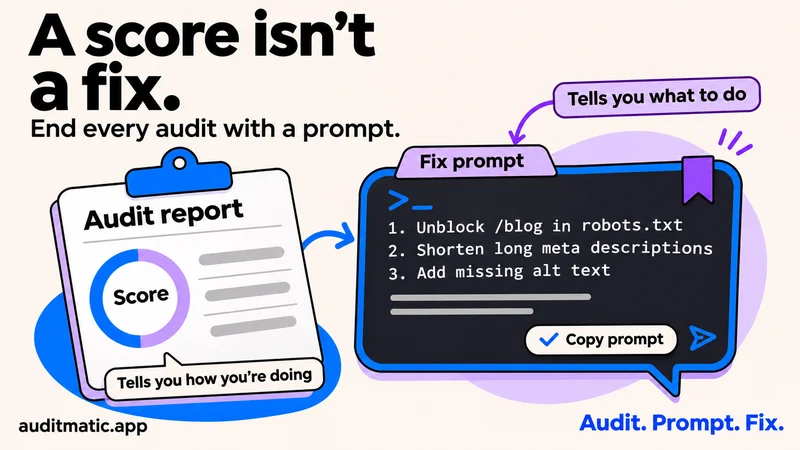
We think the useful end of an audit is not a number. It is an instruction: a single prompt that names every problem, says why it matters, says how to fix it and lists the pages, worst first, ready for an AI agent to act on. This post explains why, and what to ask of any audit you run.
A score summarises. It does not instruct.
A score is something the tool calculates. It is not a number Google reports about your site. Even Lighthouse, the audit built into Chrome, says in its own documentation that its SEO audit does not cover everything you could do to increase visibility in search engines. A score is a fair way to see whether things got better or worse. It is a poor way to decide what to do next.
Two sites can both score 71 for completely different reasons. One has a broken canonical on every page. The other has a few long titles. The number is the same and the work is not.
Raising the score is not the goal
When a score is the target, people fix whatever raises it fastest. That is usually the large pile of small findings: titles a few characters too long, missing alt text on decorative images, a header that every page lacks. These are real, and many take minutes. But the finding that actually costs you visitors, such as a block in robots.txt or a page that redirects in a loop, may move the score by the same amount as a long title. A tool that weights them equally invites the wrong order of work.
The reader has changed
A decade ago an audit was written for a person who would read it, interpret it and then brief a developer. Today many site owners hand the fixing to an AI coding assistant. That reader does not need a dial. It needs text it can act on: which file or setting, which pages, what the correct result looks like. A chart cannot be pasted into Claude Code, Cursor or Codex. A paragraph can.
This changes what a good audit is. The crawl and the checks are the input. The finished product is the set of instructions that comes out.
What a good fix prompt contains
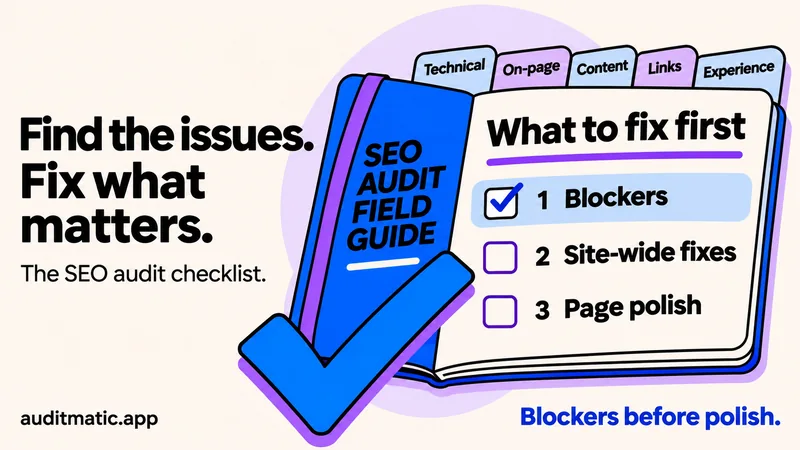
- Every finding, in order. Blockers first, then the problems that affect most pages, then polish. The order is part of the answer.
- The reason, in a sentence. An agent that knows why a header matters makes a better fix than one that only knows its name.
- The exact pages. "Some pages have no description" cannot be acted on. A list of addresses can.
- The fix, in words. The change to make, and what a correct page looks like afterwards.
- A way to check. A command or a second audit that confirms the change worked.
Here is the shape of one, trimmed to three lines:
Fix example.com: 22 findings, worst first.

1. [ERROR] Description pixel width: 6 pages
   Why: truncated snippets in search results.
   Fix: shorten each description. Pages: /pricing, /about, ...
2. [WARNING] Structured data required fields: 3 pages
   ...
One finding, written two ways
Take a common problem: the canonical tag on a set of product pages points at the home page. A typical audit lists it as "Canonical points elsewhere", marks it a warning and moves on. An assistant given that line has to guess which pages, which template and what the tag should say, and it may decide the finding is minor.
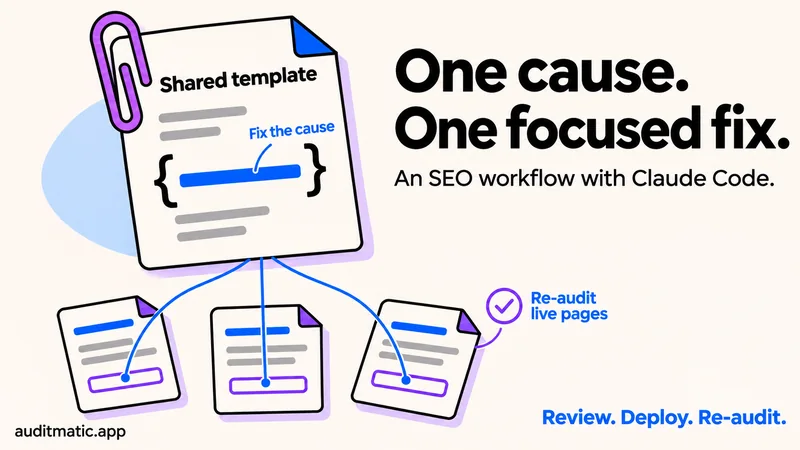
The same finding written as an instruction reads differently: these forty product pages declare the home page as their canonical, so search engines may treat each one as a duplicate and drop it from results; set each page's canonical to its own address in the product template; then check one page's source to confirm. Same problem, but now it can be done in one pass and checked.
What a prompt cannot do
A prompt does not know what your site is for. An agent that is told to add links to every page will happily add them to a thank-you page that should stay a dead end. Tell it which pages must stay out of search, which links must not change and which parts of the site it should not touch. Read the changes before they go live, and run the audit again after you deploy. We set out that loop, audit, fix, deploy, audit again, in how to run an SEO audit with Claude Code.
Five questions to ask any audit tool
- Does it tell me what to fix first, or only what is wrong?
- Does every finding name the pages it affects?
- Can my AI assistant act on the output without me rewriting it?
- Can I run it again and compare the two results?
- Is the score explained, or is it a black box?
If the answer to the first three is no, the tool is giving you a diagnosis and leaving you to write the treatment.
Where this leaves the score
Keep the score. It is a good way to see progress and to tell a client or a team that the site is healthier than last month. Just do not mistake it for the work. The work is a sequence of changes on specific pages, and an audit earns its place by producing that sequence.
That is how we built Auditmatic's report. Every audit ends in one fix prompt that you paste into your assistant, with the problems in order and the pages named. For the full checklist behind the checks, read the technical SEO audit checklist, and for what to do with the findings, see what to fix first after an SEO audit.
Frequently asked questions
Is an SEO score a Google ranking factor?
No search engine publishes a score for your site, and a tool's score is its own calculation. Use it to track change, not to predict rankings.
What should an SEO audit give me besides a score?
An ordered list of problems, the pages each one affects, a plain explanation and a fix. Ideally it comes in a form your assistant can use directly.
Can an AI agent fix my site from an audit?
It can make the changes if you give it clear instructions and review the result. It does not know your intent, so tell it what to leave alone.
How often should I audit again?
After each significant deploy, and monthly otherwise. A second audit is how you find out whether a fix worked or created a new problem.
Get the prompt for your own site
Run the free audit, read the findings, and copy the prompt into the assistant you already use.